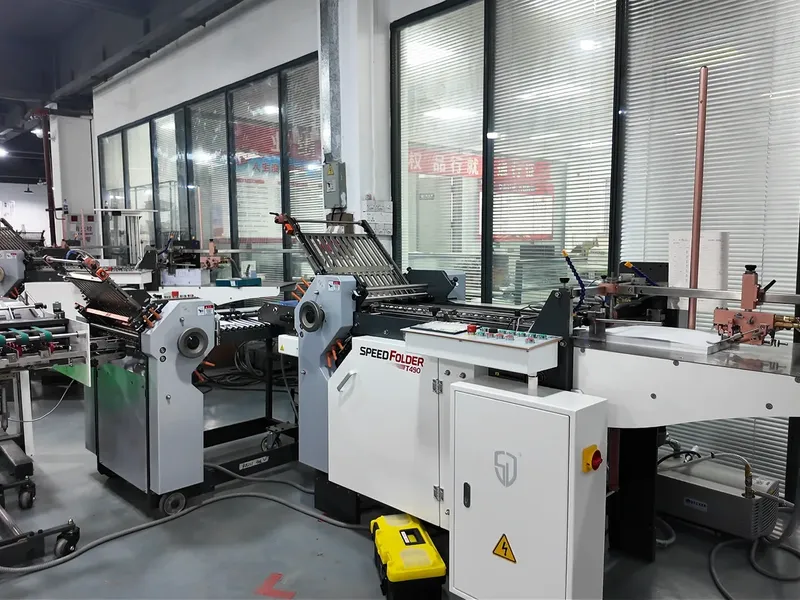
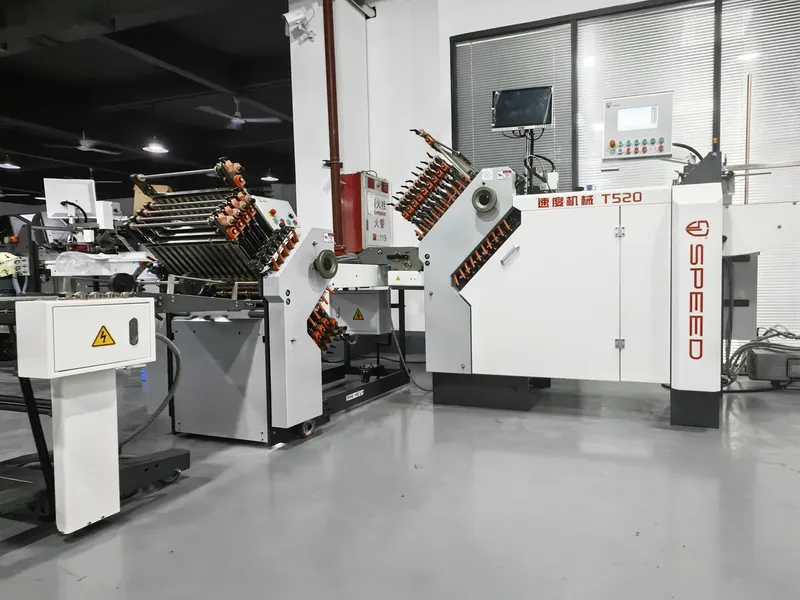
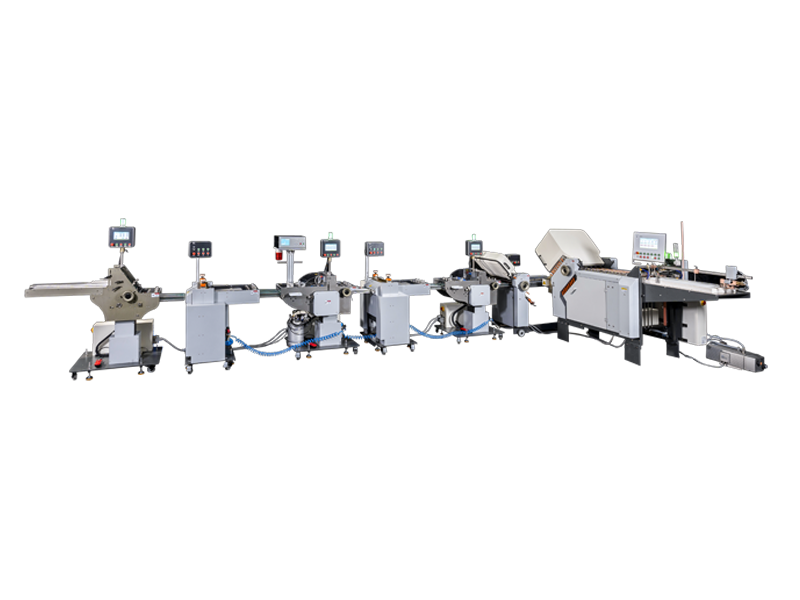
Dog ears — the bent, creased corners that appear on folded leaflets, brochures and inserts — are one of the most frustrating and common quality issues on buckle folding machines. For printing houses, packaging plants and pharmaceutical leaflet producers, even a small percentage of dog-eared sheets can drive up waste rates, delay delivery times and damage client trust, especially for high-standards applications like medicine inserts and promotional brochures.
On high-speed automatic buckle folding machines, dog ears often appear suddenly on otherwise consistent runs, leaving operators searching for the root cause. In this guide, we break down exactly why dog ears form on buckle folders, step-by-step fixes for each cause, and preventive practices to keep your folding runs clean and efficient.
What Are "Dog Ears" on a Buckle Folding Machine?
Dog ears refer to small, triangular bent or folded corners that form on the edges of paper sheets during the folding process. They typically appear on the outer panels of folded products, or on the leading/trailing edges of sheets as they pass through fold rollers and buckle plates.
Unlike general paper wrinkling, dog ears are localized to corners and are often consistent in position across a full run of sheets. For industries like pharmaceutical packaging and commercial printing, where finished products require perfect edge quality, even minor dog ears can render batches unusable, leading to material waste and rework costs.
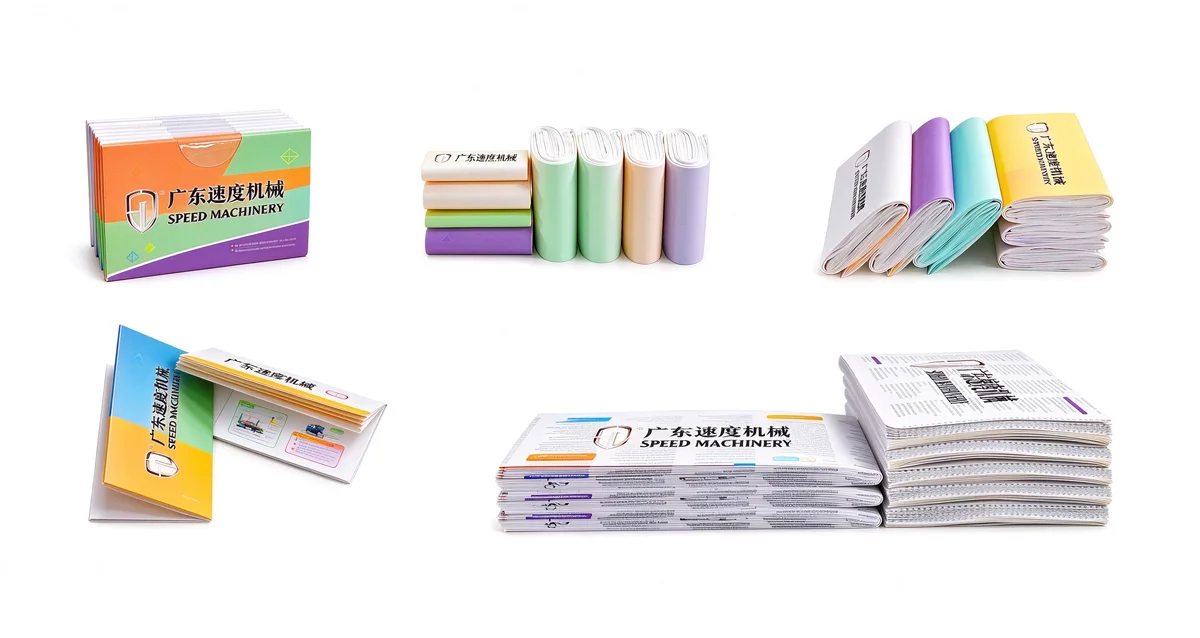
Common Causes of Dog Ears on Buckle Folding Machines
Dog ears almost always stem from misalignment, incorrect gap settings, or process mismatches — not from a fundamental flaw in the buckle folding design itself. Below are the most frequent causes, ordered from easiest to diagnose to more complex mechanical issues.
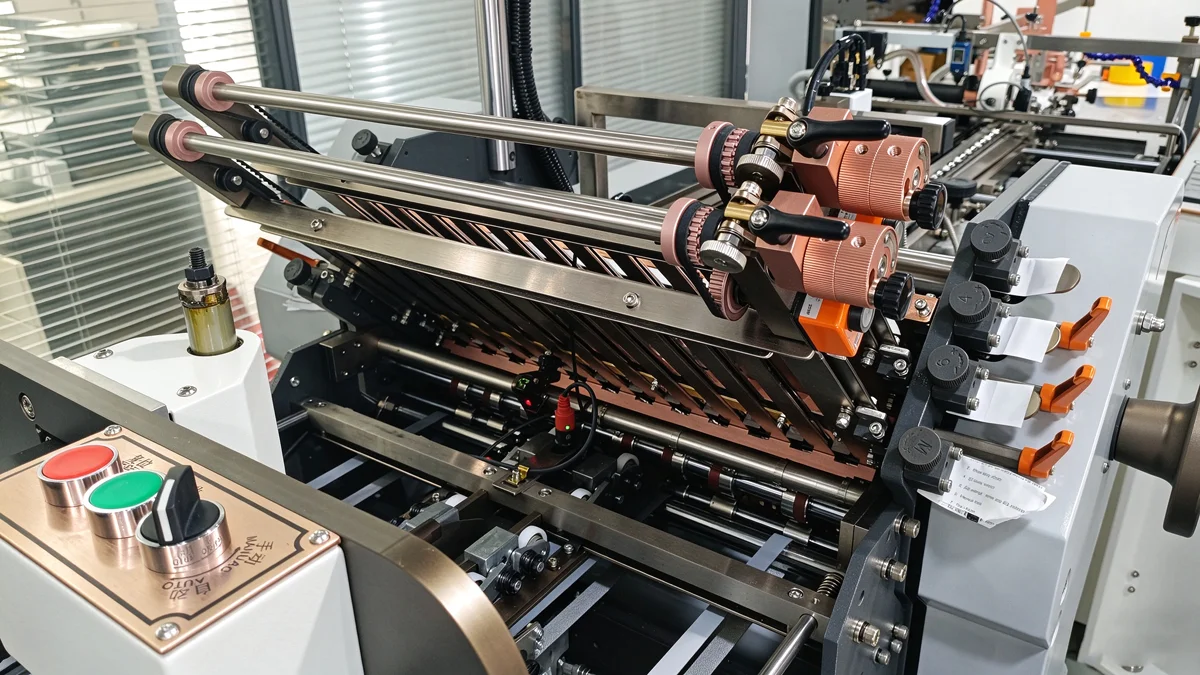
Misaligned Fold Plates & Deflectors
This is the number one cause of sudden-onset dog ears on buckle folders, especially on multi-plate automatic machines.
- Unseated fold plates: If a fold plate is not pushed fully into its stop position, or is cocked (tilted) on one side, the sheet will catch on the uneven edge as it exits the plate, bending the corner. This often happens after an operator adjusts a plate for a previous job and fails to reset it properly. Lower fold plates are particularly prone to this issue, as they are harder to visually inspect.
- Low or bent deflectors: Deflectors sit between fold rollers to guide paper smoothly through the machine. When a deflector is bent, mispositioned, or set too low, the leading edge of the sheet catches on the low point, creating a bent corner on the outer side of the fold.
Incorrect Guide Plate & Roller Gap Settings
The gap between guide plates and fold rollers directly controls how paper travels through the machine, and improper spacing is a leading cause of corner damage.
- If the gap between the side guide plates and the fold rollers is too large, paper can shift sideways as it moves through the rollers, allowing corners to slip into gaps and fold over.
- Uneven roller pressure or misaligned roller gaps will cause one side of the sheet to move faster than the other, creating skew and resulting in bent corners on the lagging edge.
Improper Folding Sequence & Process Design
For complex folds like accordion folds, cross folds and double parallel folds, the order of folds can directly cause dog ear issues.
- When multiple parallel folds are applied in the same direction before a perpendicular fold, trapped air between layers cannot escape evenly, causing corners to buckle and form dog ears as the sheet passes through subsequent rollers.
- For multi-panel folds like gate folds, if inner panel lengths are miscalibrated, panels can pop open during the buckling process and their corners bend backward as they move through the machine.
Paper Stock & Environmental Factors
Paper properties have a direct impact on fold quality, and dog ears are far more common with certain stock types.
- Thin, low-stiffness papers (such as 40–60 gsm leaflet paper) are more prone to corner buckling as they enter buckle plates, because they lack the rigidity to travel straight through gaps and guides.
- High humidity environments soften paper fibers, reducing stiffness and making corners more likely to bend when catching on machine components.
- Recycled paper with short fiber structure also has higher risk of corner wrinkling and dog ears due to lower tensile strength.
Worn or Damaged Machine Components
Over time, normal wear and tear can create conditions that cause consistent dog ear problems.
- Worn fold rollers with uneven surface wear create inconsistent grip, causing paper skew and corner damage.
- Dulled or misaligned buckle plate edges can catch paper corners as sheets enter or exit the plate.
- Worn feed tires cause uneven sheet feeding, leading to skewed entry into the first fold station and subsequent corner bending.
5 Proven Methods to Fix & Eliminate Dog Ears
Follow this structured troubleshooting sequence, starting with the simplest, fastest fixes, to resolve dog ear issues on your buckle folding machines.
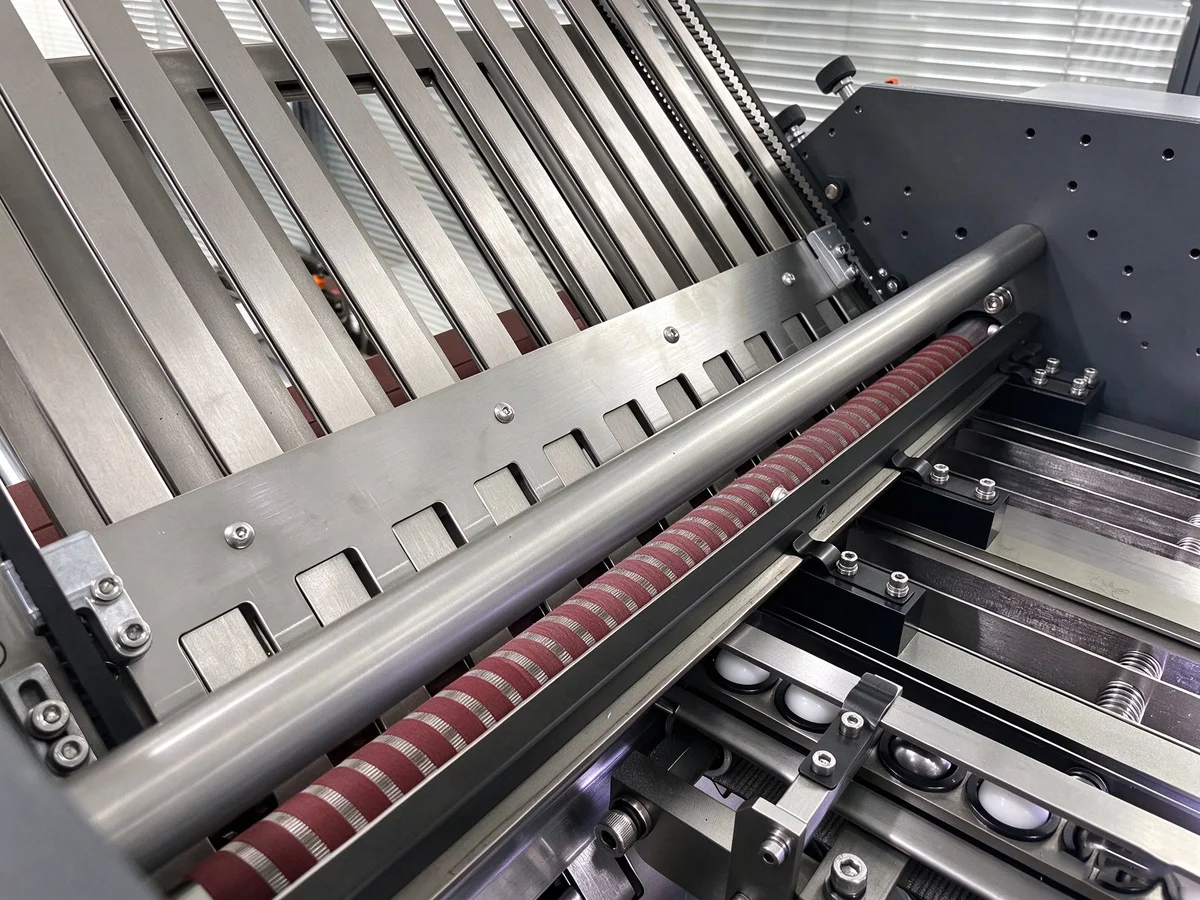
1. Inspect and Align Fold Plates & Deflectors
Start with the most common cause, which can be fixed in minutes.
- Stop production and verify that every fold plate (both active and inactive) is fully seated against its end stops, with no tilting or cocking on either side. Pay special attention to lower plates that are out of direct line of sight.
- Inspect all deflectors between fold roller sets. Check that they are straight, undamaged, and set at the correct height so they do not protrude into the paper path. Raise any low deflectors per your machine manual to ensure smooth paper passage.
- Run 10–20 test sheets after adjustment to confirm the issue is resolved before resuming full production.
2. Calibrate Guide Plate and Fold Roller Gaps
Proper gap alignment eliminates sideways paper movement and corner catching.
- Adjust side guide plates so the gap between the guide and the fold roller edge is consistent on both left and right sides, and matched to your paper width. The paper should slide freely without excessive side play.
- Check fold roller pressure and gap uniformity across the full roller width. If pressure is heavier on one side, adjust the roller adjustment screws evenly to achieve balanced pressure. For thin paper, use slightly lighter pressure to avoid crushing corners.
- Confirm that the upper and lower guide plate distances are equal to the left and right roller gaps, so paper travels on a perfectly flat, centered path.
3. Optimize Folding Sequence for Complex Folds
For jobs with multiple folds, adjust your process design to eliminate trapped air and panel interference.
- For jobs combining parallel and perpendicular folds (such as cross folds), replace consecutive parallel folds with accordion-style zig-zag folds where possible. This allows air to escape more evenly and reduces corner buckling.
- For gate fold and multi-panel jobs, verify inner panel fold lengths are precisely calibrated. You can also use a gate fold plate attachment to hold inner panels tucked in during the buckling process, preventing them from popping open and bending their corners.
- For high-volume pharmaceutical leaflet jobs with multiple accordion folds, test fold order adjustments to find the sequence with the lowest corner stress.
4. Adjust Settings for Your Paper Stock Type
Match your machine setup to the paper you are running to minimize corner distortion.
- For thin, low-grammage paper: Reduce running speed slightly, decrease buckle plate depth, and ensure guides are perfectly aligned. Thin paper deflects more easily at high speeds, so even small misalignments cause dog ears.
- For high-humidity conditions: Allow paper to acclimate to the production room environment before running, and use slightly higher roller grip to compensate for reduced paper stiffness.
- For coated or glossy stocks: Ensure fold rollers are clean and have adequate traction; slippery stock can shift mid-run and cause corner damage.
5. Perform Regular Maintenance on Wear Parts
Persistent dog ears that do not respond to adjustment often point to worn components.
- Clean and inspect fold rollers daily for paper glaze buildup, and replace them when surface wear becomes uneven.
- Inspect buckle plate edges for burrs or damage, and smooth or replace plates that catch paper.
- Replace worn feed tires and scuff pads to ensure consistent, square sheet feeding — skewed entry is a hidden cause of recurring corner damage.
Preventive Tips to Avoid Dog Ears in Daily Production
The best way to handle dog ears is to stop them before they start. Add these steps to your daily production routine:
- Pre-run setup check: Before every job, confirm all fold plates are seated, guides are aligned to paper width, and deflectors are properly positioned.
- Test run first: Always run 5–10 sample sheets at production speed before starting a full batch, and inspect all four corners for dog ears or skew.
- Follow a maintenance schedule: Stick to a daily/weekly maintenance checklist for roller cleaning, guide inspection and wear part replacement. Regular upkeep reduces unexpected quality issues by 60% or more on industrial folding equipment.
- Document job settings: Save fold plate positions, gap settings and speed for repeat jobs, so you can reproduce consistent, defect-free results every time.
Why High-Quality Buckle Folding Machines Reduce Dog Ear Issues
While proper operation and maintenance are critical, the base design and build quality of your buckle folding machine plays a huge role in how often dog ear issues occur.
Precision-manufactured automatic buckle folding machines feature:
- Machined fold plates and deflectors with tight tolerances, reducing misalignment and catching points
- Fully adjustable guide and roller systems that can be fine-tuned for every paper type and fold style
- Wear-resistant, precision-ground fold rollers that maintain uniform pressure over long production runs
- Optimized paper path design to minimize corner stress even at high running speeds
At SPEED Machinery, our high-speed automatic buckle folding machines are engineered for consistent, high-quality folding across every common fold type — including half fold, tri-fold, accordion fold, double parallel fold, cross fold and gate fold. Built to ISO quality standards and CE certified, our machines deliver reliable performance for commercial printing houses, packaging plants and pharmaceutical leaflet manufacturers, with fewer production defects, lower waste rates and less unplanned downtime.
If you are struggling with persistent fold quality issues on your current equipment, or are looking to upgrade to a higher-performance folding solution, our technical team can help you identify the right machine for your production needs.
If you need technical support for your buckle folding process, or would like to learn more about SPEED Machinery’s range of high-speed automatic buckle folding machines, contact our team today for a customized solution for your printing or packaging operation.
Frequently asked
Why do dog ears only appear on one side of the sheet?
One-sided dog ears almost always indicate an asymmetric issue: a cocked fold plate, a deflector that is low on one side, or uneven fold roller pressure. Inspect the side where dog ears appear for misaligned guides, plates or deflectors.
Can high-speed folding cause more dog ears?
Higher running speeds increase the force with which paper enters buckle plates and passes through rollers. For thin paper or poorly adjusted machines, higher speed can worsen dog ear issues. However, a properly calibrated, high-quality industrial buckle folder can maintain clean fold quality even at maximum production speed.
Are dog ears more common with specific fold types?
Yes — complex multi-panel folds such as gate folds, cross folds and deep accordion folds are more prone to dog ears, because they involve more fold stations and more opportunities for paper corner interference. Proper fold sequencing and machine setup are especially important for these applications.
Can dog ears be fixed after folding?
Minor dog ears can sometimes be pressed flat with post-folding rollers, but this adds extra process time and does not fix the root cause. For high-quality applications like pharmaceutical inserts and customer-facing brochures, dog-eared sheets are typically considered defective and must be scrapped. It is far more efficient to fix the issue at the machine.